The cuentoconlaIA app, for iPhone and Android.
Since 27 August 2026, “Bedtime Stories with the AI” has been live on the App Store and on Google Play. It does exactly what the website does — one photo, one mission, a 20-page illustrated storybook in 5–10 minutes — with the phone's camera within reach and a library that keeps the books you have already made.


Would rather not install anything? Make it in your browser — same book, same price.
How it works, in three steps
- Pick a mission, or write your own idea. Six real space missions in the app's catalogue — Apollo 11, Voyager, the James Webb telescope, the International Space Station, the Mars rovers and Artemis I — or freestyle mode, where you describe your own story in one line. Artemis II, the seventh, is on the website only for now.
- Upload one or two photos and name them. They are there so the main character resembles your kid. A plushie, a pet or an object works just as well.
- In 5–10 minutes the PDF is ready. Twenty illustrated pages in Spanish or English, in 2D or 3D style, ready to read in the app or to print and bind.
What it looks like
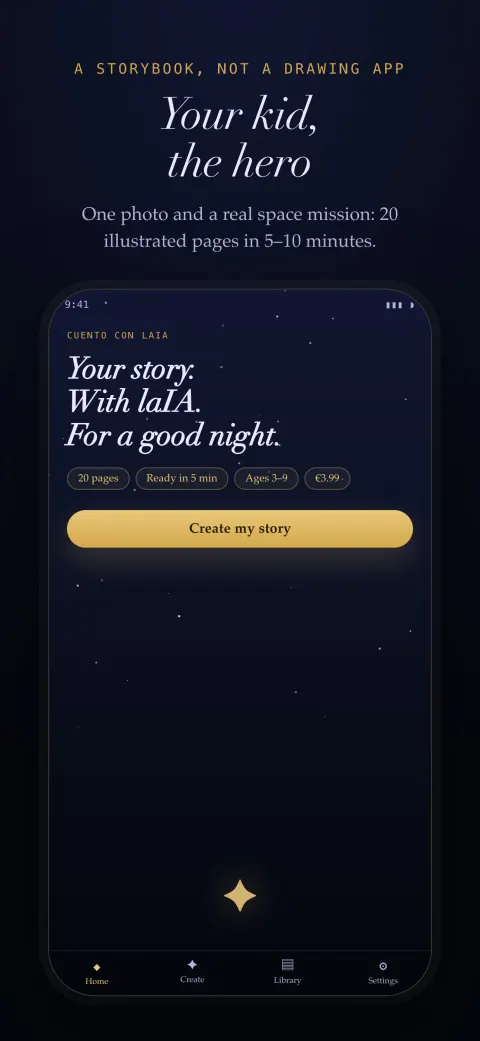
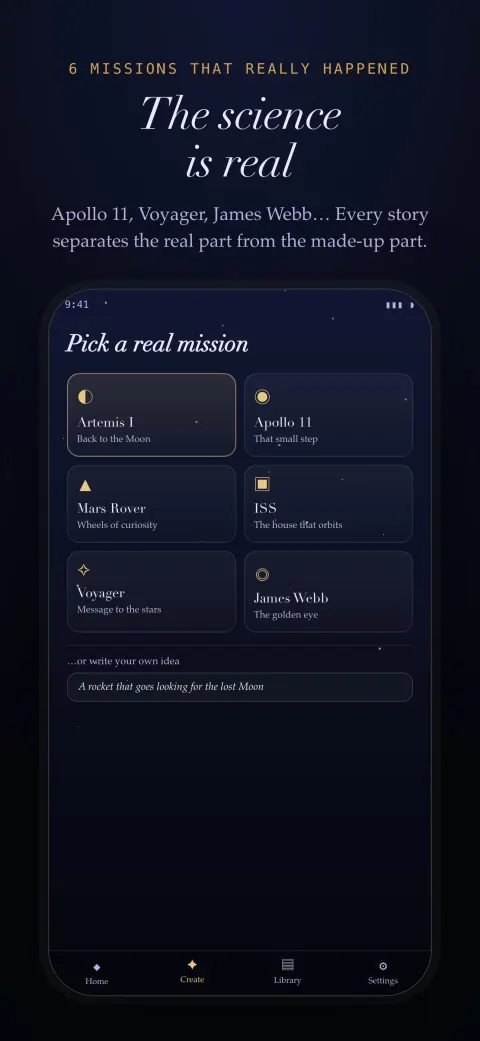
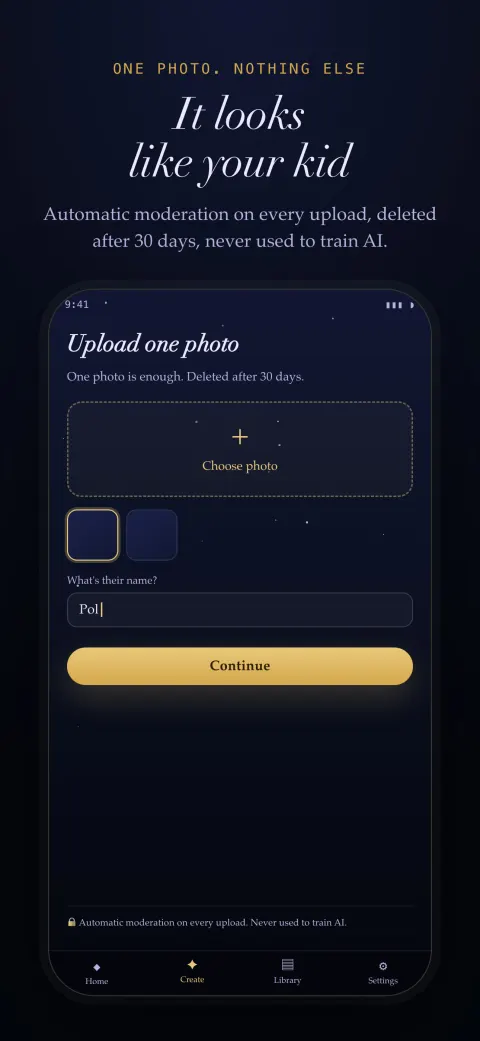
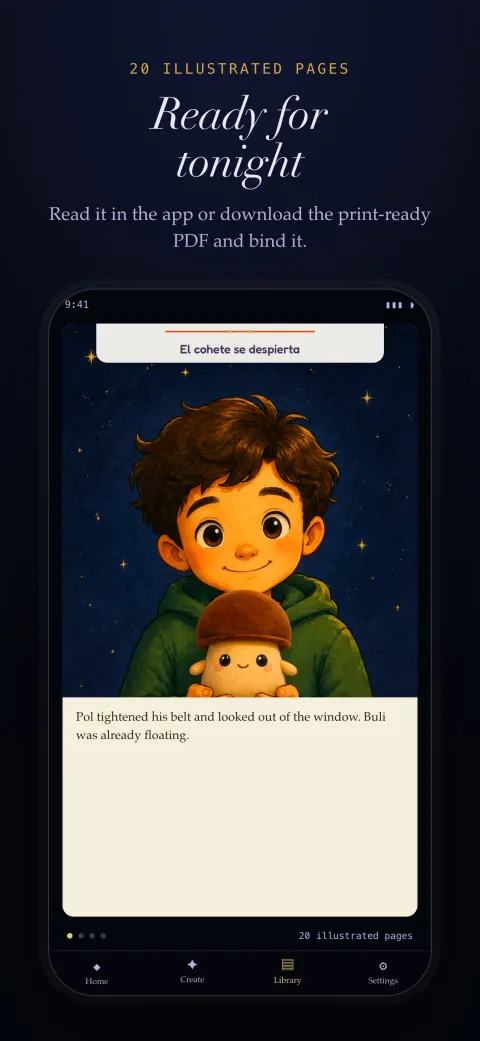
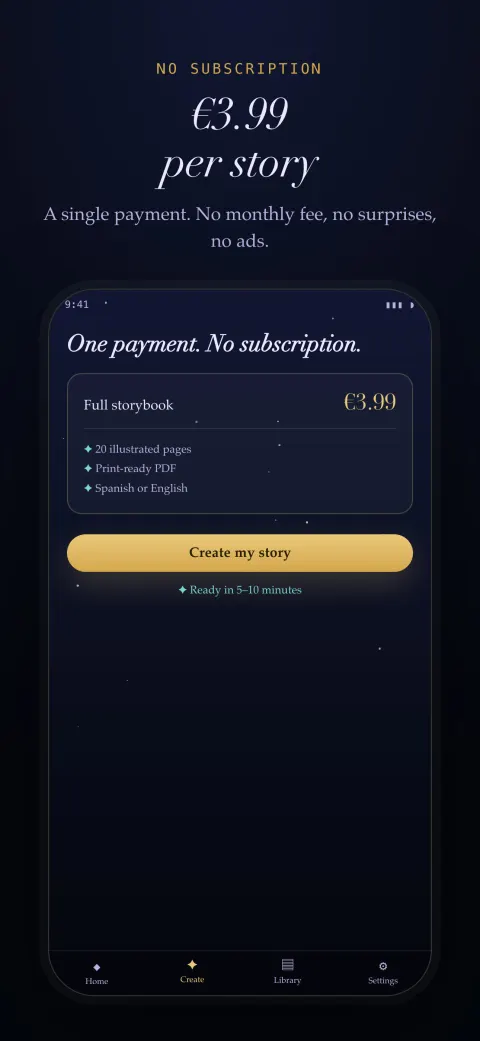
The app, in quick facts
- Name
- Bedtime Stories with the AI
- Platforms
- iOS and Android
- Download
- Free on both stores
- Price
- €3.99 per book · no subscription
- iPhone
- Requires iOS 16.4 · 69.7 MB
- Android
- Size varies with device
- Age
- 4+ on the App Store · PEGI 3 on Google Play
- Languages
- Spanish and English
- Published
- 27 August 2026
- Developer
- Nexo Apex S.L. · Tarragona, Spain
App or browser: which one suits you
The book that comes out is the same and the price is the same: €3.99 for the full book, paid once. The difference is the route, not the result.
- The app is better when the photo is on your phone. Which it nearly always is. You pick it from the camera roll — or take it right there — without moving it to a computer first.
- The app keeps your books in a library. Books you have already generated stay in the “My stories” tab on the phone itself, ready to re-read or download again.
- The browser is better if you plan to print. If the plan is a hardcover, uploading the PDF to a print service from a computer is simply easier.
- Neither one asks you to create an account. No sign-up, no password, no profile. All that is needed is an email address to deliver the book to.
What happens to the photos
Exactly what happens on the website, because it is the same infrastructure: photos are used only so the main character resembles your kid, every upload goes through automated moderation, they are deleted after 30 days by a lifecycle rule on the storage itself, and they are never used to train AI models. The illustrations and the text are generated by a model, and every page is labelled as such. From Settings you can delete your data and report inappropriate content. The full detail is in the privacy policy.
Frequently asked questions about the app
Is the app free?
Downloading it is, on both stores. What you pay for is the book: €3.99 for the full 20-page storybook, as an in-app purchase. It is a one-off payment per book — no subscription, no monthly fee, no credits that expire, and no free trial that quietly turns into a recurring charge if you forget to cancel. You can install it, browse the mission catalogue, try freestyle mode and get all the way to the purchase screen without paying anything; the charge only happens when you decide to generate the book. The price is exactly the same as on the website, and deliberately so: a storybook is bought for a birthday or for one particular night, not as a service you want to depend on every month. There are no ads inside the app either.
What is the difference between the app and the website?
The book that comes out is identical, and so is the price: the app and cuentoconlaia.com run on the same infrastructure and the same models. The catalogue very nearly matches: the app carries six of the seven real missions, because Artemis II is on the website only for now. What changes is the route. The app wins when the photo is already on the phone, which it nearly always is: you pick it from the camera roll or take it right there, without moving it to a computer first. It also keeps the books you have generated in a “My stories” tab on the phone itself, ready to re-read or download again. The website wins if the plan is to print: uploading the PDF to a print-on-demand service is simply easier from a computer. Neither one asks for an account or a password, and the drawing styles and the available languages are identical.
Which devices does it work on?
iPhones running iOS 16.4 or later, and Android phones through Google Play. On the App Store the download is 69.7 MB; on Google Play the size varies by device, because Play ships only the code and resources that particular phone needs. The app is built for phones, not tablets: an iPad version is not supported in this first release. The interface is available in Spanish and English and follows whichever language your system is set to. The age rating is 4+ on the App Store and PEGI 3 on Google Play in Europe (US storefronts render the equivalent ESRB value), though the recommended range for the storybook itself is 3 to 9 years old — the person operating the app is always an adult. The app updates through the store itself, like any other, and both listings name Nexo Apex S.L. as the developer.
Do I need an account to use the app?
No. There is no sign-up, no password, no profile to fill in and no Sign in with Google or Apple. You open the app and start straight away by picking a mission or writing your idea. The only thing asked for is an email address, and it is asked for at the end, at payment time, because that is where the finished book is delivered. That decision is deliberate: the less personal data exists, the less personal data has to be protected, and a product used two or three times a year does not justify asking anyone to create yet another account. The purchase itself goes through the App Store or Google Play account already on the phone, so there is no card to type in either. If you want to clear whatever has been stored on the phone, Settings has a delete-my-data option.
What happens to my child's photo?
It is used only so the storybook's main character resembles them, and it is gone after 30 days. Every upload passes through automated moderation before it reaches the model that draws. The deletion is not a policy promise: it is a lifecycle rule applied to the storage itself, so not even an operator with permissions can extend the window. Photos are never used to train AI models — that sits in the contract with our providers, not only in our own policy. The intermediate renders, the pages generated before the PDF is assembled, follow the same 30-day rule. Nexo Apex S.L. is a Spanish company subject to the GDPR, and from Settings you can delete your data and report inappropriate content at any time. And if something worries you before installing anything, there is a dedicated address for exactly that: privacidad@cuentoconlaia.com.
Can I print the book the app makes?
Yes. What you get is a 20-page print-ready PDF, not a closed format that only opens inside the app. You can read it on the phone, save it, email it, or upload it to any print-on-demand service to have it bound in hardcover. The printing prices we have checked with services such as Mixam, Saal Digital and Photobox run between €24 and €35 for a hardcover copy, delivered in 7 to 10 days, and that cost is the printer's: we do not sell the physical book and we take no commission on it. If a printer is the final destination, that step is easier from a computer, which is why the book is also reachable from the link that arrives by email. The PDF itself weighs roughly 1–3 MB, so it shares easily.